
So why do you need yet another article with CRM software examples?
Because with so many options available making the right choice is hard!
But if you’re on the lookout for a CRM system or are confused about what a CRM is, we assure you this blog will tell you all you need to know about CRMs.
And just so you know, implementing a CRM takes considerable time and effort. So as a business owner, wouldn’t you hate to see the day when your entire team requests you to switch to another CRM because the one you bought doesn’t quite cut it?
So, be sure to give this article a thorough read so that the CRM software examples mentioned not only help you in getting the job done but also stay relevant for a long time.
Most CRMs are filled to the brim with features, so it’s easy to lose sight of the big picture.
The right type of CRM, if implemented well, can
But we often employ the WRONG strategy when choosing a CRM
– Looking for a singular solution
– Ignoring scalability
– Comparing the price of different products
– Too little or too much research/due diligence
As a result, we end up with:
Instead, we need to base our decision on the following factors:
Any CRM you implement can become a big stumbling block if it fails in even one of these 5 essentials! And if you need any help with the implementation process, read our guide on the CRM implementation process.
Now let’s look at the top nine CRMs along with their USPs, key features, limitations and pricing.

Telecrm is the go-to CRM for Indian businesses that sell to an Indian audience, where sales usually happen on calls and WhatsApp
It has a quick setup time and requires little training to get going…
It’s an ideal fit for Indian sales agents who may not be as tech-savvy…
Telecrm has a full-fledged mobile app equipped with all the features needed to sell on the go…
Setup costs are negligible as the in-house customer success team helps with the setting up of the sales process on the platform!
It’s the only CRM that comes with built-in WhatsApp, telesales and lead management capabilities on a single platform!
Telecrm is relatively new in the CRM market, so it doesn’t have as many built-in integrations as yet. And it takes some time to customise it as per your needs!
Workflows: This is the most powerful feature of Telecrm where you can use the DIY interface to automate pretty much all your sales and marketing workflows.

Autodialer: This is critical if you want your agents to make 50-200 calls per day! It increases the speed and accuracy of the calls. Agents can call the next prospect with just a couple of clicks.
So no more mistakes and errors from typing phone numbers.
And no time is wasted in finding who to call next.
WhatsApp integration: Whether your agents want to communicate through their personal WhatsApp or via your brand’s official WhatsApp accounts, you can centrally track and manage both from within the application. Telecrm is the only CRM that captures chats from mobile WhatsApp into the CRM.
Lead management: You can manage the complete journey of every lead in a single place. Whether it’s capturing, auto-distribution, qualification, nurturing, tracking or conversion, it can all be managed from a single platform.
Sales pipeline management: Get a clear, real-time view of your sales funnel and manage related tasks efficiently to drive more leads towards conversion.

Team leaderboard: Who is the best performer in your team in terms of calls made, time spent on calls and total revenue, for any specific period? The leaderboard gives you the answer in a single view.

Mobile CRM: Unlike most CRMs, Telecrm has a full-fledged mobile app, instead of a watered-down basic version. So your agents can manage their work and you can get an overview of the business and analyse reports from the mobile app. 95% of the functionality can be managed from the app. So you don’t need a desktop to extract the maximum value from the CRM.
Custom reports: Select any subset of leads, select your criteria and get detailed, visual, real-time reports. It’s that simple.

Third-party integrations: Seamlessly integrate the app with your website and over 30 third-party applications like Google Ads, MS Excel and much more. Plus, you can trigger custom actions, workflows and more based on the source of the lead.
Telecrm has three pricing plans:
Core CRM: This includes all the features mentioned above and more, except integration with your mobile WhatsApp. The annual plan starts from ₹599 per user per month.
Core CRM + WhatsApp chat sync: Starts from ₹749 per user per month. With just an additional cost of ₹150 per user per month, you can integrate your agents’ mobile WhatsApp and capture their entire conversations with leads into the CRM.

Custom plan: Best suited for businesses with 50 or more team members.
Telecrm is the only CRM software with extensive capabilities that exclusively focuses on Indian sales teams targeting Indian audiences with lead management, telesales and WhatsApp integration on a single platform. And it’s best suited for small to medium-sized businesses with 5-50 member sales teams.
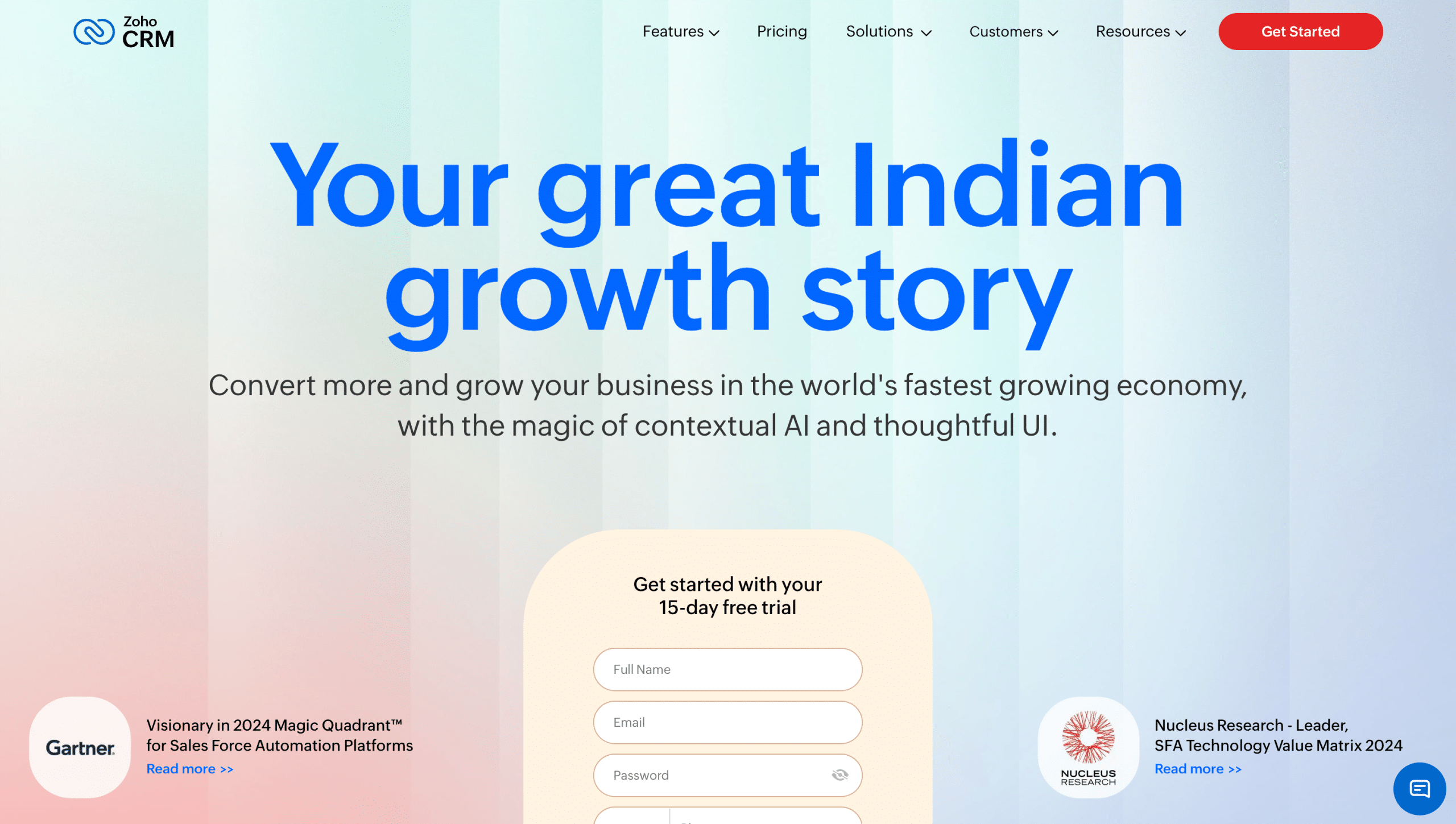
Zoho CRM is the second-largest CRM company in the world and the largest Indian CRM company, with the majority of its clients based in the US and Europe, followed by India.
It comes with a highly customisable vanilla platform that can be customised as per your requirements. The only limitation is you will need the time and budget to work with a Zoho consultant to implement your workflow onto the platform. This can take months and the setup cost can be in lakhs.
The product is highly stable. So rest assured that it will work without glitches.
It has a marketplace where you can find all major third party software providers that Zoho CRM integrates with. This means you can augment your CRM as per your business needs.
It has a suite of software products including billing, accounting, email solutions and more.
There are certain limitations of the Zoho platform which can hurt your prospects unless you know what you are getting into.
The price of customising the CRM can range from lakhs to tens of lakhs
Given it’s a giant product, there’s no scope for any custom development request unless you are a large enterprise with thousands of users
There is no native support for telesales management, which means when you bundle it with a third party integration the per-user cost jumps up substantially
Since it does not offer any in-house support, whenever you need to tweak anything you need to go to a certified consultant, and working with them comes with a substantial price tag and time delay
Also, since there is no proactive guidance and consulting available, you always end up using about 10% of what you pay, instead of being able to make full use of the platform
Customisable dashboards: Monitor your business metrics with easily tailored dashboards
Integration capabilities: Seamlessly works with a wide array of Zoho apps and external tools for optimal functionality
Team collaboration: Stay connected with your team through live updates, discuss deals and share ideas
Zia – Zoho’s AI: It provides smart insights and predictions to help prioritise customer issues, improving customer satisfaction
Invoice and bill management: Generate and manage invoices directly within the application
Standard plan: ₹800 per user per month, billed annually. The Streamline sales operations and workflows plan covers the basic lead and sales management, along with basic workflows. Major drawback: There is no native telesales management support in Zoho in this or any of its other plans. So, the only option is to integrate with a third-party provider!
Professional plan: ₹1,400 per user per month, billed annually. The Accelerate customer acquisition and growth plan includes integration with Google Ads, email marketing and auto-lead assignment logic, which allows you to run and integrate your marketing campaigns, along with using the core sales management capabilities.
Enterprise plan: ₹2,400 per user per month, billed annually. The Leverage deep AI and customisation plan has additional AI support, along with features like territory management, approvals, android kiosk mode, etc., which is suitable for large organisations with complex hierarchies and extensive field operations, etc.
Ultimate plan: ₹2,600 per user per month, billed annually. The Unlock exponential growth and BI capabilities plan is suitable for large enterprises that also need extensive data analysis capabilities.
If you have the time and budget to customise a vanilla CRM to make it capable enough to automate your sales processes, then Zoho could be your go-to choice.
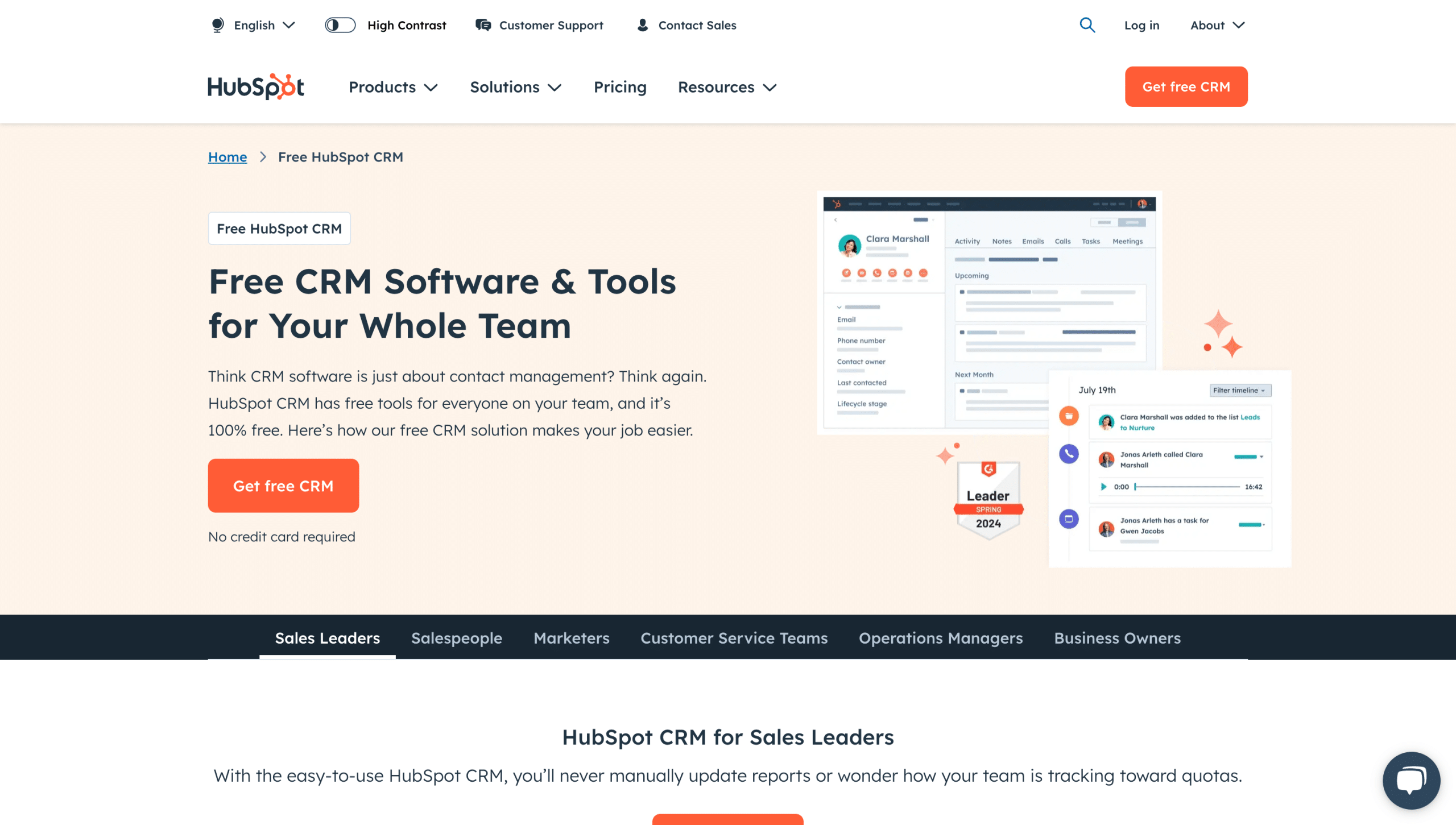
HubSpot CRM is one of the most popular CRM available that offers users a basic sales CRM which is free forever
The free version comes with basic contact management, pipeline management, lead capture, support tickets, live chat and access to its marketplace
It comes with a free mobile app, which is great for adding, managing and calling contacts on the go
While it is suitable as the initial tool if yours is a small business, as you grow and your processes start becoming more complex, the free version isn’t of much use for you or your business
The biggest drawback is that as soon as the basic features are no longer serving your needs you need to upgrade, even for the essential features. The pricing is so hefty that it becomes pointless for most Indian businesses to even consider it as an option
The mobile app does not support any call-tracking or recording capabilities, which makes the business utility of the app very limited
It offers a 90% startup discount for two years on its plans from $200-$600 per user per month
Client info management: Organise all your contact details efficiently
Contact segmentation: Enhance your marketing and sales efforts by grouping your contacts based on specific criteria
Info organisation: Easily access and manage customer information from a centralised location
Email tracking: Monitor client interactions to tailor your communication effectively
Lead management: Utilise scoring systems to prioritise and close deals
Free Forever CRM
Professional customer platform: Starts at $1,080 per month, billed annually. This plan includes comprehensive marketing, sales, customer service, content and operations software
Enterprise customer platform: Begins at $4,000 per month, billed annually
Given its pricing, sales strategy, and focus on the US market, HubSpot is not a CRM that any growing Indian business should consider. Plus, they lack the basic calling and WhatsApp functionalities, which are critical for sales teams operating in India.
It’s best suited for inbound sales teams where leads are generated through organic content, the majority of the sales process happens over emails and Zoom meetings with multiple stakeholders and the product is delivered through an operations team, supported by a support team that works on a ticketing system. 3rd-party call analysis features like HubSpot conversation intelligence enhance coaching and improve conversion quality. If that’s your workflow and you have the budget, then this could be an option worth considering.
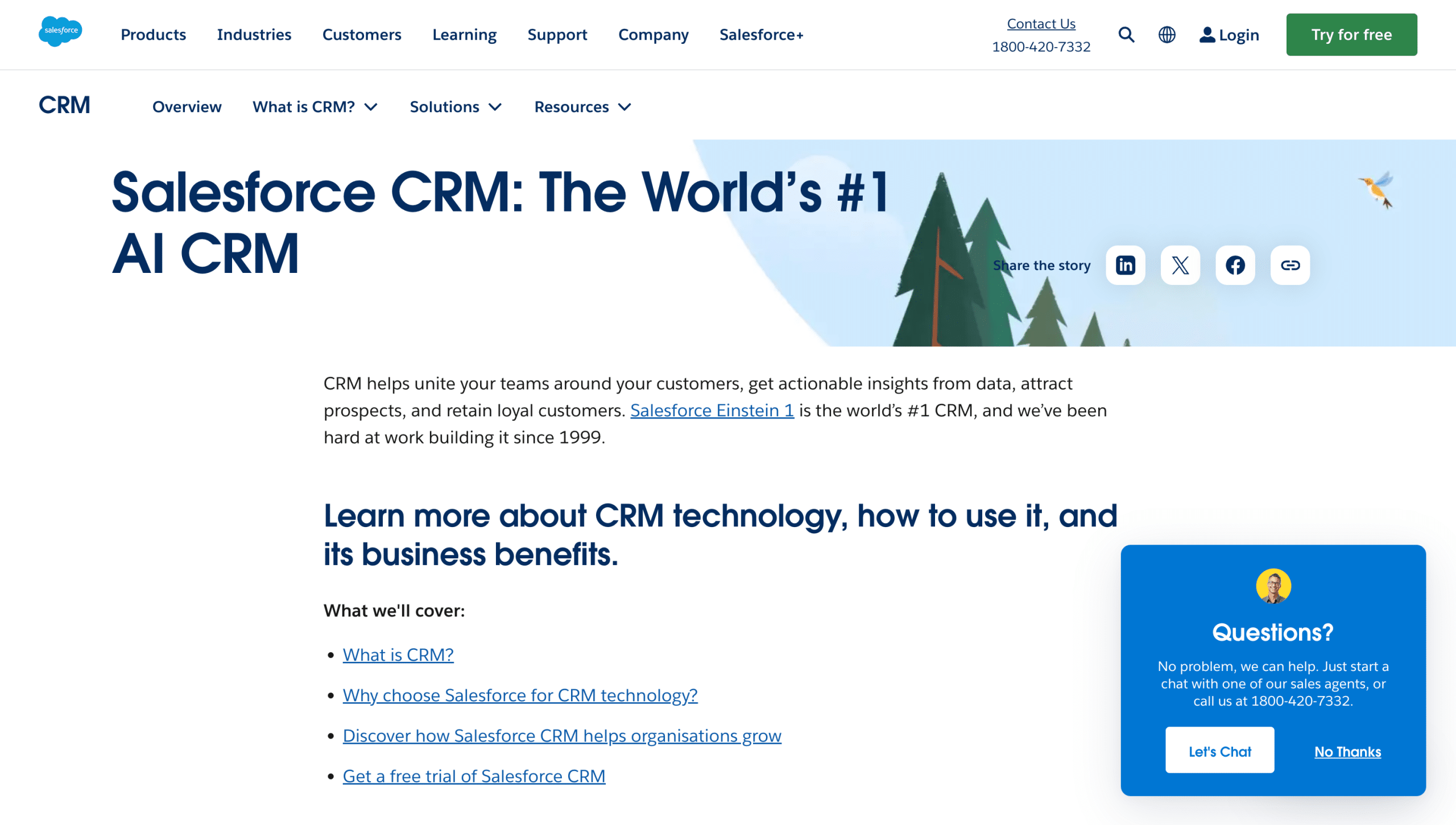
Salesforce CRM is the biggest CRM company in the world, with the majority of its clients in the US and Europe.
It’s perfect for companies engaged in complex B2B sales, wherein multiple stakeholders from across different teams and levels in the hierarchy get involved in every sale. Salesforce CRM is designed to handle this complexity and make the process smoother for you.
It is used by large enterprise sales teams that are spread across multiple countries (and continents). So far as enterprise sales go, no vendor can match the same level of reliability and scalability.
SalesForce has a first-mover advantage in terms of incorporating AI features into the platform to get predictive analytics, automate routine tasks and gain deeper insights into customer behaviour.
It has an extensive marketplace; you name a third party integration and you are likely to find it in its marketplace.
It has the most robust ecosystem. While it is primarily a CRM, its suite of products caters to all business functions.
It will burn a hole in your pocket with its recurring pricing as well as the setup cost
The ‘implementation partners’ will charge an upfront fee, which works if you can afford it, but the implementation duration can mess up your timelines
By the time you are ready to start, you’ve invested so much time, effort and money that you are tied to the CRM pretty much for life
While it is comprehensive, it is also very complex to use, which can overwhelm your agents
Tweaking the CRM to accommodate your needs can be challenging as almost any change will need the supervision of an external consultant
Its target audience is not primarily Indian, hence it’s not a good fit, except for teams engaged in enterprise sales
Account, contact, lead and opportunity management: The basic CRM features needed for any sales team
Advanced forecast and pipeline management: Ability to see the historical, current and expected sales, along with insights into custom KPIs and what you can do to de-risk individual deals
Sales engagement and conversation intelligence: This is included in the unlimited plan that comes with sales engagement tools and insights from sales calls that can help improve coaching for your sales teams
Starter suite: $24 per user per month, billed annually; only covers basic contact management and email integration
Professional: $80 per user per month, billed annually; includes basic customisation, automation and sales forecasting along with starter suite features
Enterprise: $165 per user per month, billed annually; includes pipeline management, deal insights, APIs, approval automation and conversion intelligence
Unlimited: $330 per user per month, billed annually; includes predictive AI, conversion intelligence and sales reports
Einstein 1 sales: $500 per user per month, billed annually; includes GenAI features, performance management, team collaboration using Slack, data cloud and revenue intelligence
If you manage a sales team operating in India, here are three good reasons why you should choose Salesforce.
Your team is primarily engaged in enterprise sales
The person in charge of ensuring that the CRM runs smoothly has only worked on Salesforce before so that’s the only familiar platform for them
You have a high budget and implementation time isn’t a constraint, and the primary factors in your decision-making are compliance, data security, etc., rather than functionality and fit for the India-centric sales process.
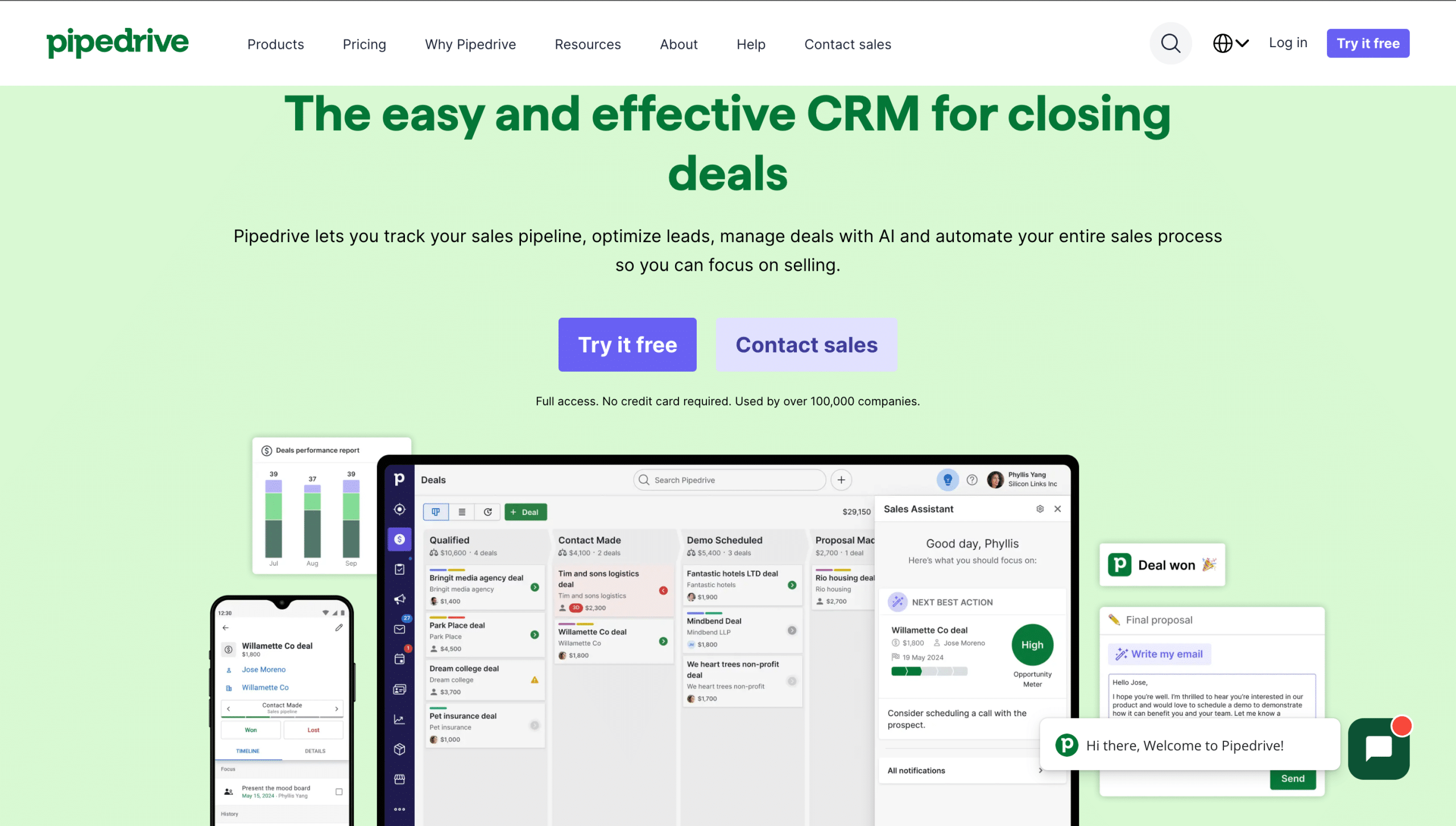
Pipedrive CRM is a straightforward and intuitive platform designed to simplify sales processes for small teams. With a focus on an easy-to-use deals pipeline, email integration and basic task automation, it’s perfect for businesses looking for a no-frills solution.
Pipedrive is built with a customisable sales (deals) pipeline with deal size at the centre of the CRM
It does not support a ton of complex features nor does it support complex workflows but whatever features it does have are super simple, intuitive and easy to use
Pipedrive does not have native integration with WhatsApp or WhatsApp API. While it does support an API messaging inbox when you integrate with Twilio, you cannot see your WhatsApp chats in the lead history, which makes the solution half-baked, especially, considering how critical WhatsApp is to Indian sales teams.
It does not have built-in support for phone-based selling. You can add calls manually, but it fails at call tracking, reporting, etc.
Leads with history: The entire interaction history is preserved when you convert a lead into a customer
Deals pipeline: It’s a segregated view of qualified leads that gives you an exact idea of how many deals are in which stage, along with the total pending revenue in that stage
Ability to import leads/contacts and deals from MS Excel so that you can get started right away
Email integration: You can sync your emails and also send emails to contacts from within Pipedrive
Managed calendar and activity: Create/schedule and manage all activities involving any lead or deal. You can also sync with your calendar provider to avoid double-booking.
Automation support for basic, repetitive tasks
Essential plan: $12 per user per month, billed annually; best for quickly setting up a basic sales process and going live
Advanced plan: $24 per user per month, billed annually; includes emails and basic automation, on top of the essentials
Professional plan: $49 per user per month, billed annually; gives you the ability to customise your views and generate advanced reports, along with forecasting
Power plan: $59 per user per month, billed annually; includes team collaboration features
Enterprise: $79 per seat per month, billed annually; suitable for enterprise needs like access management and unlimited reports
It’s simple, intuitive and easy to use. If you have a small team selling directly to customers primarily through email communication and meetings booked on the calendar.
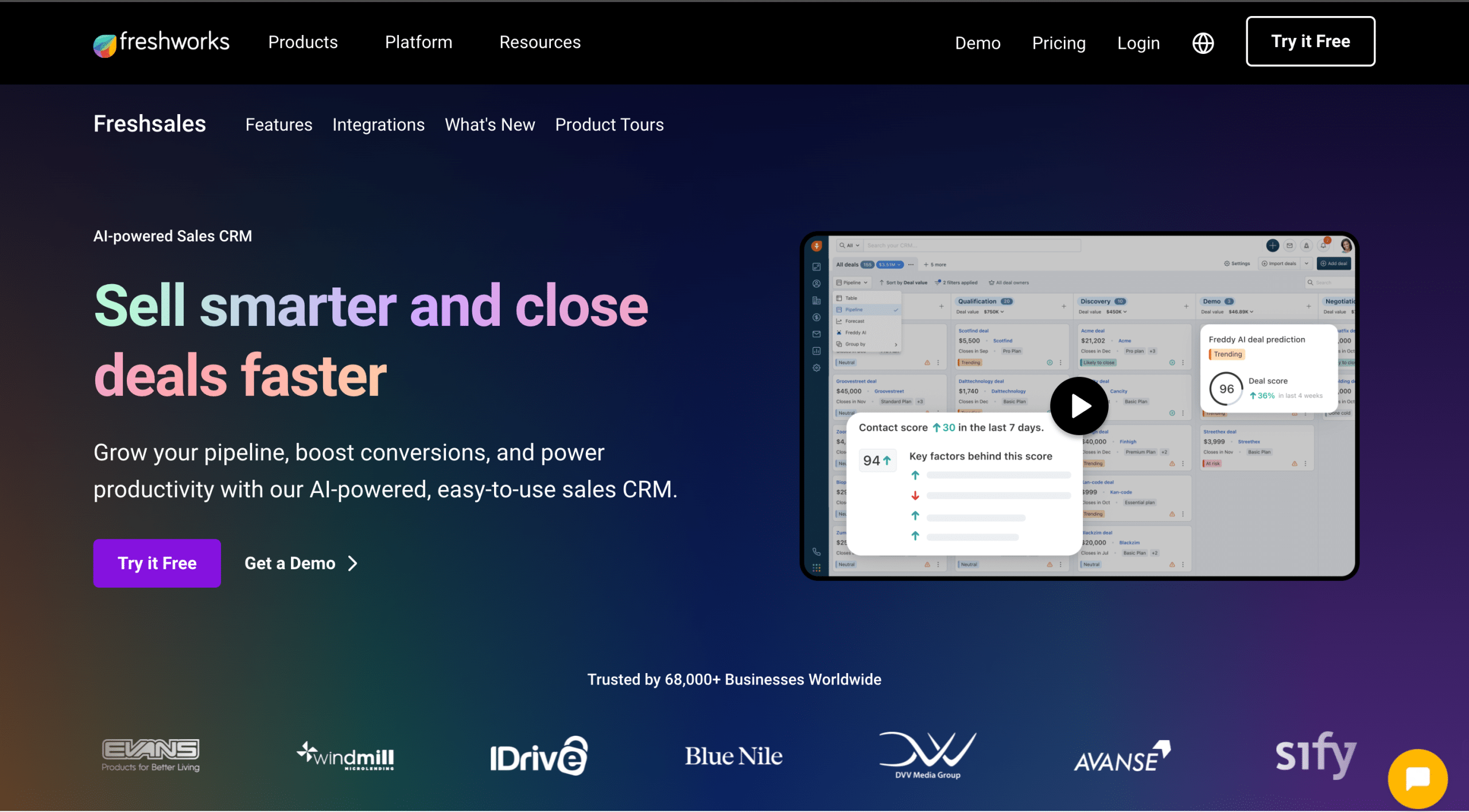
Freshworks CRM platform leverages AI to optimise sales processes by providing predictive insights and simplifying lead management. It’s an ideal tool for businesses that want to enhance their internal and external communication along with streamlining their sales pipeline.
Easy to use
Comes with a 21-day free trial
It does have complex features compared to something like a Pipedrive, but its advantage lies in its simplicity
Again because of the lack of native support for WhatsApp communication or phone-based selling, it becomes very limited for India-based sales teams
It integrates with Google Contacts, Calendar and Gmail
Supports the creation of custom reports
Contacts and accounts: Gives you the ability to create accounts and group contacts into those accounts. And also supports customisable fields for accounts and contacts.
Products and documents: It has built-in support for products, which is not a common option in the CRMs listed here.
Quotas and forecasting: It has a unique feature of quotas and forecasting for individual salespeople as well as sales teams.
It has some level of marketing support as in you can integrate your website reviews, etc.
It has add-on features like AI-based lead scoring based on customer engagement history and automated workflows.
Growth plan: ₹749 per user per month, billed annually; includes lead stages, pipeline, custom fields, basic workflows and other basic CRM features
Pro plan: ₹3239 per user per month, billed annually; offers AI contact scoring, custom sales activities, auto-lead assignment rules
Enterprise plan: ₹4899 per user per month, billed annually; comes with custom modules, audit logs, field-level permission
If you have a primarily email-based sales system and the features mentioned here seem sufficient for your business, then it can be a worthy consideration for sure.
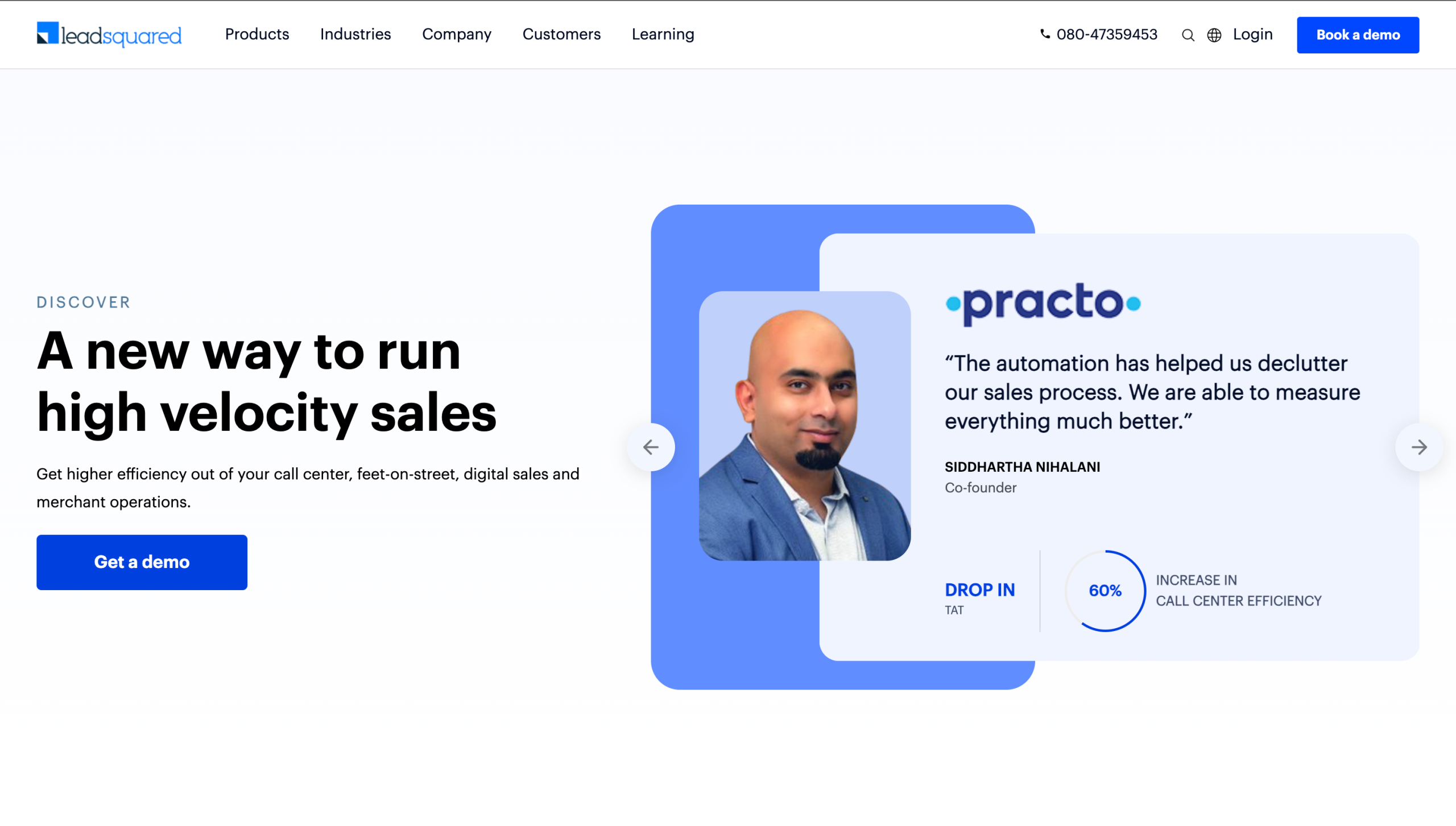
LeadSquared CRM is a powerful tool designed to help businesses streamline their sales, marketing and customer management processes. Here’s a closer look at its USPs, limitations, top features and pricing to help you decide if it’s the right fit for your business.
It has native support for email marketing
It has an extensive set of available integrations including multiple WhatsApp and calling service providers that work seamlessly with their core CRM
Supports extensive and robust reporting systems that help you derive key business insights from your CRM data
Slow support: It has email-only support which can take up to 24 hours to get a response
Man hours: For most setups where you need human intervention and help from its team, you’ll be charged custom ‘man-hours’
Pricing: For an Indian audience, the price point can be huge compared to competing options with similar features
Discounting: It has a practice of rampant discounting (up to 90%) based on your team size and your ability to negotiate. So, you will never know if you managed to get the best deal possible.
Separate billing for SKUs: It follows complex billing structures for enterprise deals with discounts on the base price that get made up for in terms of additional costs for SKUs. So you can never really predict what you will end up paying at the end of the month!
Additional cost for calling: It doesn’t have a native cloud calling solution. The only way to incorporate a telecaller is through a third party provider. This almost doubles your total per-user licence costs.
Comprehensive lead management: including lead capture, scoring and distribution
Marketing automation: email automation, drip marketing, behaviour tracking across the website and different touchpoints
Sales process visibility: activity tracking and sales pipeline monitoring
Customisability: with custom fields, an array of integrations and highly customisable workflows
Tasks: automatic task creation and distribution
Reporting: customisable real-time dashboard, reports and insights
Pro: ₹2500 per user per month when billed annually; comes with lead management, sales pipeline management, email, SMS and phone call tracking (through third party integration) and mobile CRM
Super: ₹5000 per user per month when billed annually; includes the ‘PRO’ plan features, plus workflow automation, sales process designer, auto lead distribution, permission templates and advanced reports
Suppose you can work with the limitations, negotiate a good bargain and have the budget needed for working with 3-4 providers for Tele-calling, WhatsApp and other workflows. In that case, Leadsquared can be one of the best options for Indian sales teams.
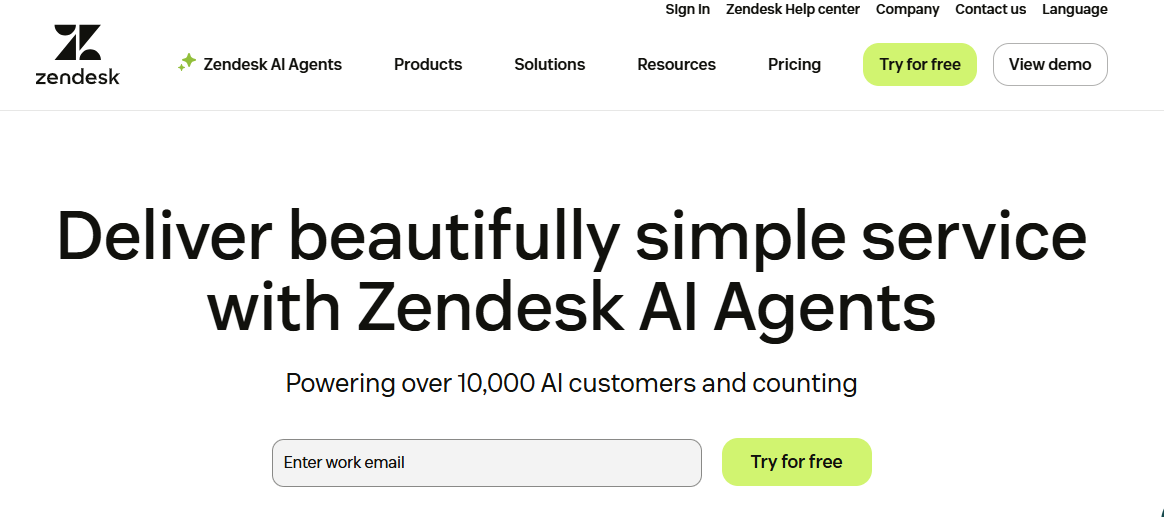
Zendesk Sell is a sleek and intuitive CRM designed for modern sales teams that need a no-fuss, ready-to-go CRM with strong productivity tools and a clean interface.
Zendesk Sell has four pricing plans:
Zendesk Sell is ideal for small to mid-sized teams looking for a sales-focused CRM with excellent email and calling features. But if WhatsApp or India-specific workflows are a big part of your sales process, this may not be the best fit.
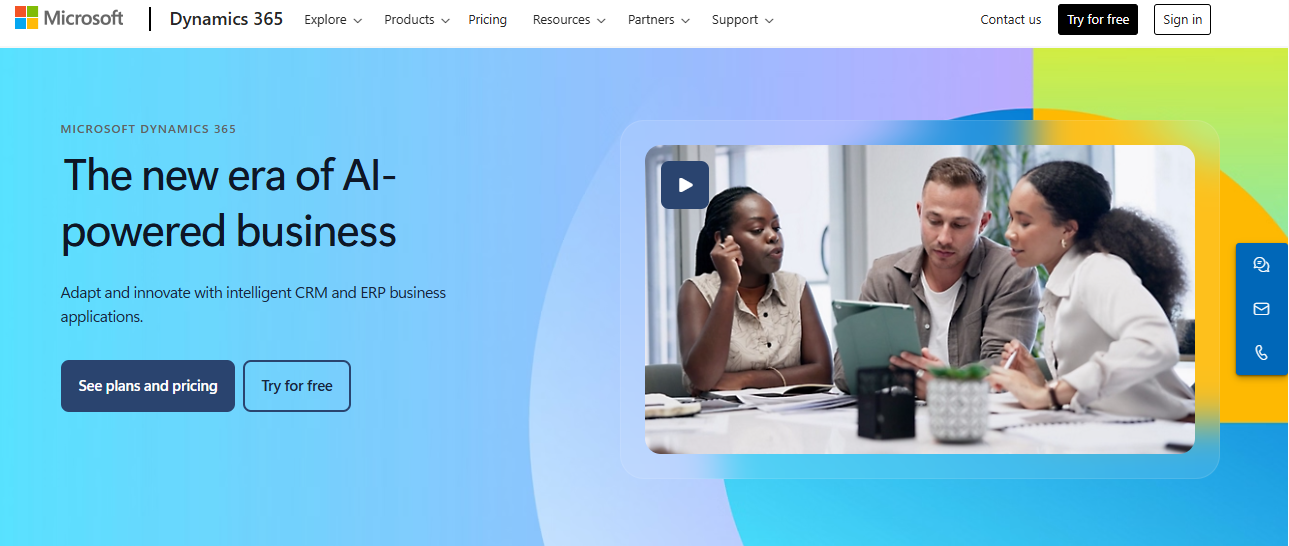
Microsoft Dynamics 365 is a robust CRM and ERP platform rolled into one. It’s built for large, complex organisations and offers everything from lead management to customer service and marketing automation, all tightly integrated with the Microsoft ecosystem.
Microsoft Dynamics 365 Sales is priced as follows:
Dynamics 365 CRM is best suited for enterprise organisations that need tight integration with Microsoft, custom sales processes and advanced AI functionality. But if you’re an Indian SMB with limited resources or WhatsApp-based workflows, this CRM might be overkill.
CRM | Best for | Price range | AI features | WhatsApp support | Mobile support | Customisation | Ease of use |
Telecrm | Indian SMBs with calling & WhatsApp sales | ₹599–₹749/user/mo | No | Yes (native) | Full-featured app | Medium | High |
Zoho | SMBs & enterprises with budget for customisation | ₹800–₹2,600/user/mo | Zia AI | No (via 3rd party) | Yes | High | Low |
HubSpot | Inbound & content-driven B2B sales | Free–$4,000+/mo | Conversation intelligence (premium) | No | Yes (Limited) | Low | Medium |
Salesforce | Enterprise B2B sales teams | $24–$500/user/mo | Einstein AI | No (3rd party) | Yes | Very high | Low |
Pipedrive | Small sales teams with email-based selling | $12–$79/user/mo | Limited | No (basic API via Twilio) | Yes | Medium | Medium |
Freshworks | SMBs with basic automation needs | ₹749–₹4899/user/mo | Lead scoring, insights | Yes | Yes | Medium | Medium |
LeadSquared | Mid-size Indian businesses with sales + marketing teams | ₹2,500–₹5,000/user/mo | Limited | Yes | Yes | High | High |
Zendesk Sell | SMBs focused on email + voice | $19–$169/user/mo | Yes | No | Yes | Low-medium | Low |
Microsoft Dynamic 365 | Large enterprises using Microsoft stack | $65–$150/user/mo | Yes | No | Yes | High | Low |
In this post, we have compared the top nine CRMs that an Indian sales team can use along with their USPs, limitations, pricing and features.
If you run an Indian sales team with calling and WhatsApp as integral components of your sales workflow then you should seriously consider giving Telecrm a try as it is one of the only two CRMs in this list that is focused on the practices and processes of Indian sales teams. Plus, it comes at a very affordable price and a fabulous support process and team that our customers rave about.
You can book a free demo or a consulting call with one of our experts to see if Telecrm is a good fit for solving your business problems.



© Copyright 2025 Telecrm.in - All Rights Reserved • Privacy Policy • T&C



© Copyright 2025 Telecrm.in - All Rights Reserved • Privacy Policy • T&C