
![How to Create WhatsApp Chatbot in 10 mins [2025]](https://telecrmblog.kwebmakerdigitalagency.com/wp-content/uploads/2024/03/How-to-Create-WhatsApp-Chatbot-in-10-mins-2025.png)

In India, WhatsApp is where business happens. Around 850 million people use it every month. Whether it’s asking about a flat for sale, booking a doctor’s appointment or getting fee reminders from a coaching centre, people expect fast replies.
But most businesses still handle WhatsApp chats manually. That means:
That’s where WhatsApp chatbots help. A chatbot replies instantly, handles common questions and keeps the conversation going — even when your team is busy. And no, you don’t need coding skills to set one up.
In this guide, you’ll find:
If you want to stop missing leads on WhatsApp and make things easier for your team, this guide is for you.
A WhatsApp chatbot is like an extra team member who replies to your WhatsApp messages automatically. Instead of you or your staff answering every message by hand, the chatbot sends instant replies using set questions and answers.
Let’s say someone asks for your shop’s opening time or wants to book an appointment. The chatbot takes care of it. It can also send payment reminders, order tracking updates or follow-up messages without anyone needing to type.
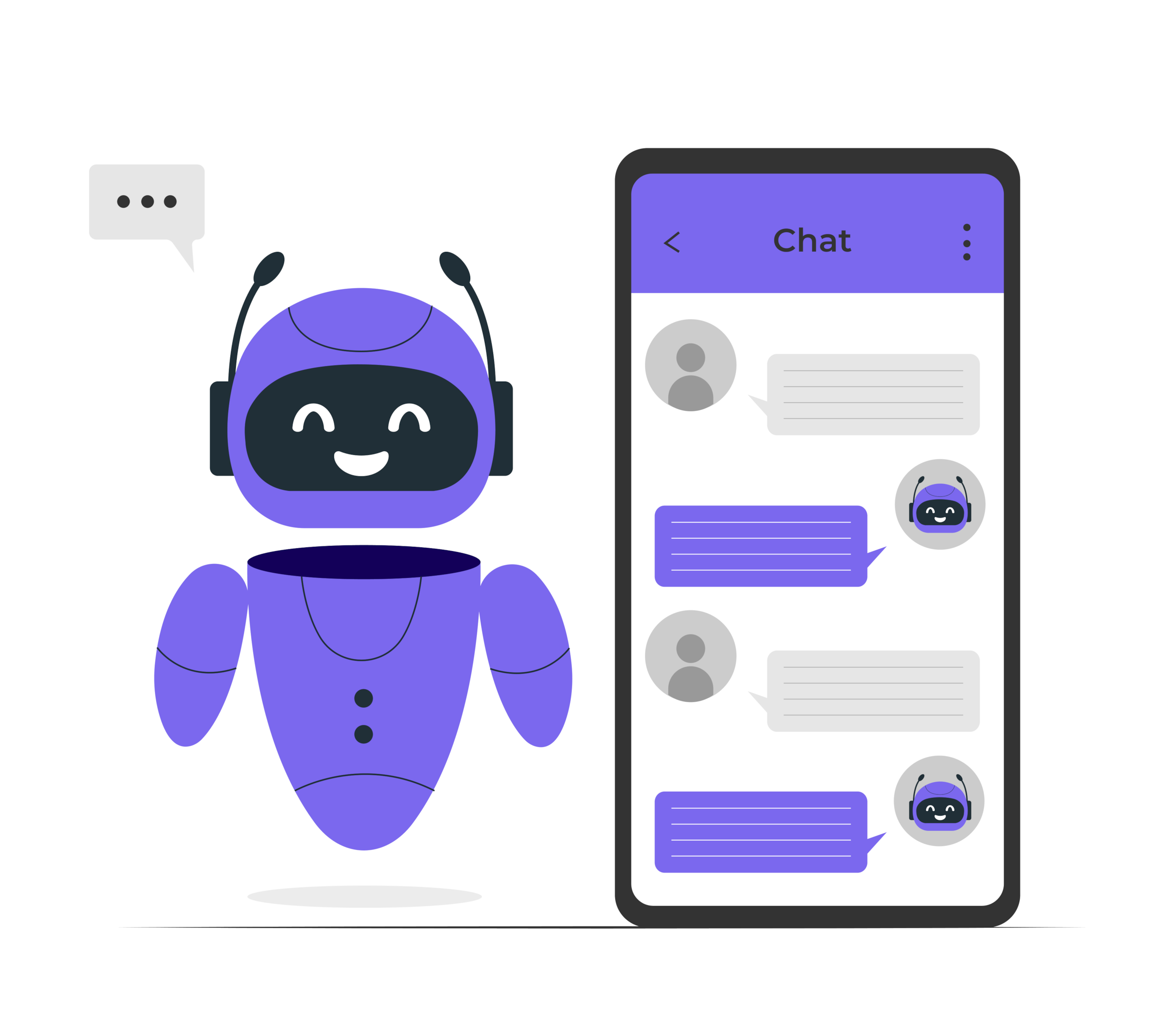
You might hear people call it a WhatsApp bot or WhatsApp chatbot. It’s all the same thing. The idea is simple:
Most small businesses in India use the WhatsApp Business app. But if you want a chatbot, you’ll need the official WhatsApp business API. That’s a setup made for handling more chats, using chatbot platforms and connecting WhatsApp with other tools.
In short, a WhatsApp chatbot helps you:
Whether you run a shop, a clinic or a coaching centre, it saves you time and keeps things organised. No more missed chats. No more late replies.
Running a business in India means handling a lot of WhatsApp messages. New enquiries, repeat customers, payment follow-ups — everything comes through that one app.
Now imagine this: five customers message you at once. One wants product details. Another asks about pricing. Someone else is ready to buy but needs help paying. If you handle all that manually, things slip.
That is where a WhatsApp chatbot makes a real difference. It’s not just about faster replies — it’s about running things smoothly, even when you’re busy.
Here is what it helps with:
For businesses in India — whether it is retail, education, healthcare or real estate — a WhatsApp chatbot ensures fewer missed sales and better customer satisfaction.
You do not need to hire extra staff just to answer messages. Set up your own WhatsApp bot, let it handle the small stuff and step in only when a real person is needed.
From local shops to large companies, Indian businesses today handle most customer conversations on WhatsApp. But replying manually is slow and messy. A WhatsApp chat bot changes that — by replying instantly, handling more queries and helping your team stay organised.
Here is exactly how different industries in India use WhatsApp chatbots:
When a customer messages asking for a product, price or delivery status, a WhatsApp chatbot can handle it in seconds. No waiting, no missed chats.
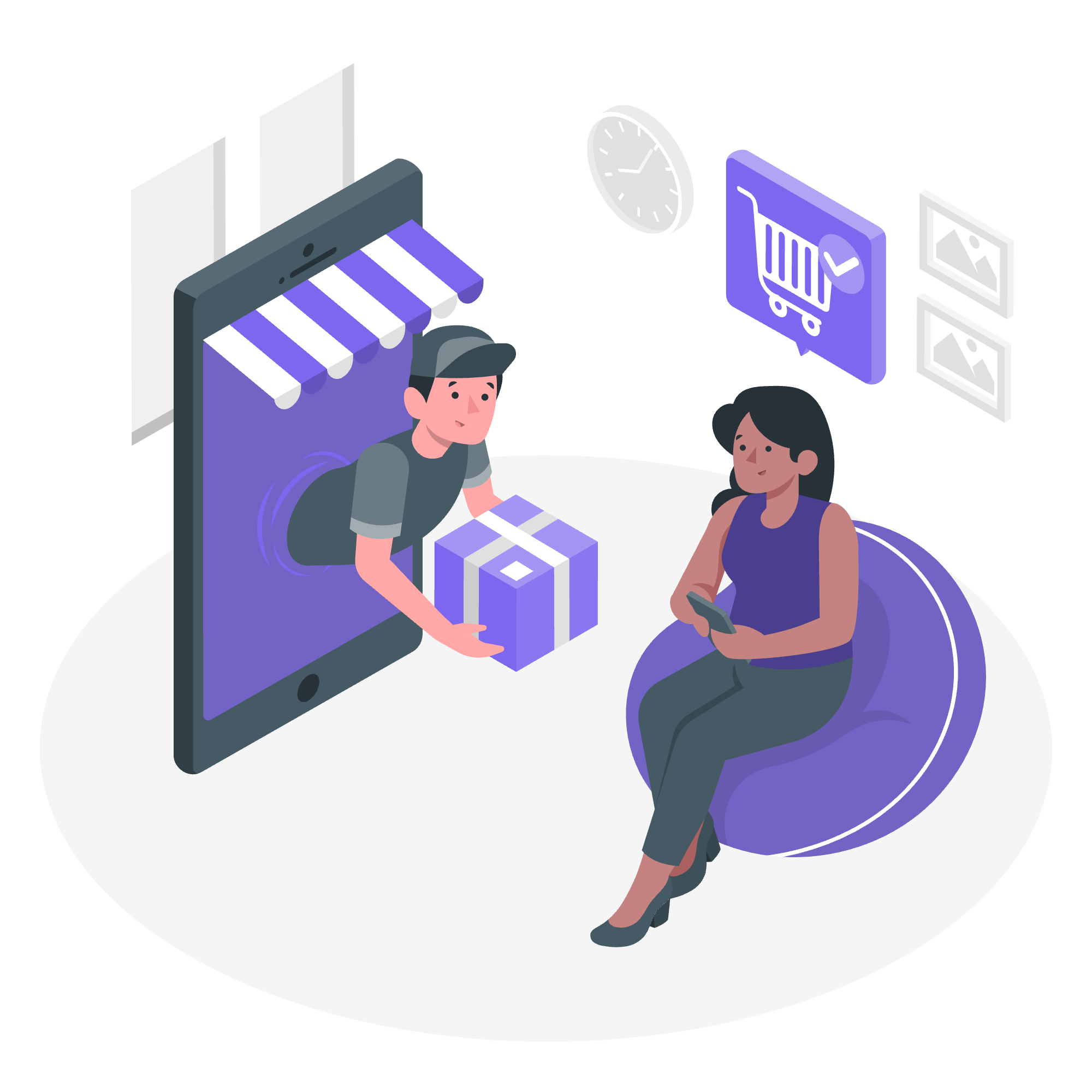
How retail brands use chatbots:
For example, an online clothing store uses a chatbot to send WhatsApp auto reply messages to leads/customers with size charts, payment links and shipping status — all without needing a sales rep to jump in every time.
Whether it is a coaching centre, school or university, WhatsApp is now the first place parents and students ask questions. Chatbots help reduce that load on counsellors.
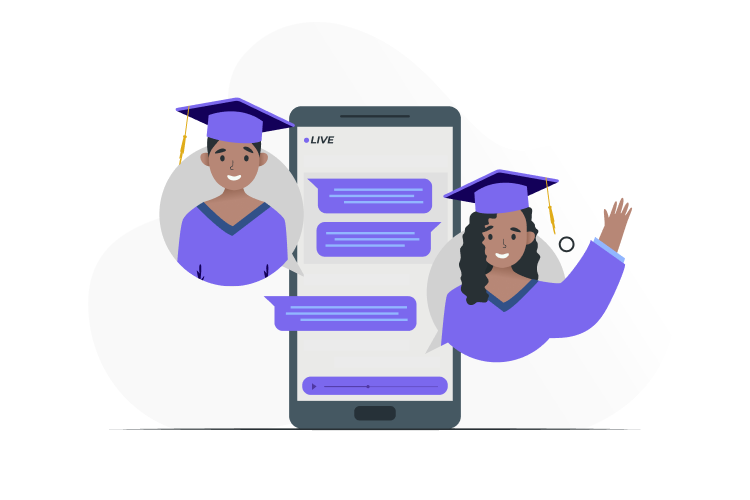
Common use cases:
Example: A coaching institute uses a chatbot to send fee reminders two days before the due date and follows up with parents automatically until payment is made.
In real estate, quick replies mean closing deals faster. WhatsApp chatbots help by qualifying leads and scheduling visits without waiting for a sales rep to get involved.

Real estate chatbot functions:
For instance, a real estate developer’s WhatsApp bot can ask, “Are you looking for a 2BHK or 3BHK?” and instantly share relevant projects, saving hours of back-and-forth.
In healthcare, timing and clear communication are everything. Patients expect quick appointment bookings, reminders and updates — without having to call or wait in line. That is why more hospitals, clinics and labs in India now use WhatsApp chatbots.
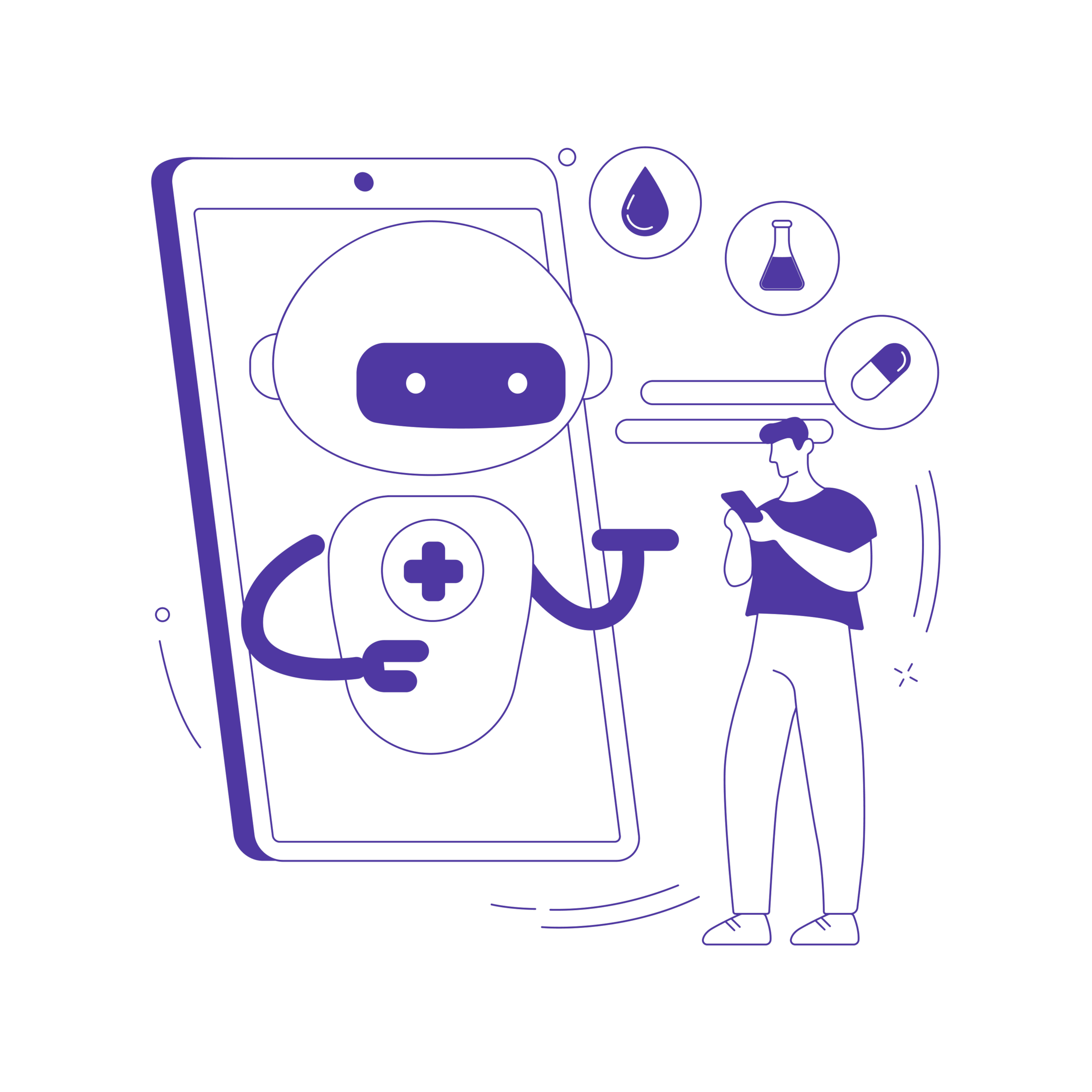
Healthcare businesses today use chatbots to:
For example, a dental clinic’s WhatsApp chatbot automatically sends patients a reminder 24 hours before their appointment, along with preparation tips like fasting instructions or documents to carry. This keeps things smooth for both patients and staff while reducing no-shows and last-minute queries.
In banking and finance, trust and quick service matter. Customers expect instant answers to things like balance checks, EMI queries or loan status. That is where WhatsApp chatbots make things easier for both the customer and your team.
With WhatsApp Cloud API, banking and finance businesses in India now use chatbots to:
For example, many NBFCs in India use WhatsApp chatbots to pre-qualify loan applicants. The bot asks simple questions like age, salary range or required amount. If the lead is eligible, it gets assigned to the sales team instantly, saving time and improving response speed.
When it comes to public services in India, people often face delays, long queues or missed updates. That is why many government departments now use WhatsApp chatbots to make things simpler and faster for citizens.

With a WhatsApp chatbot, public service teams can:
For example, during elections, voters receive WhatsApp messages about polling dates, booth locations and ID document requirements through official government chatbots. This helps reduce confusion, saves time for both citizens and departments and ensures important information reaches people instantly.
Setting up a WhatsApp chatbot may sound technical, but once you know the steps, it’s quite straightforward. Whether you want to handle customer queries automatically, send payment reminders or manage sales conversations, it all starts with getting the right setup.
Here’s how you can create a WhatsApp chatbot for your business in India:
To create a WhatsApp chatbot, you do not need the old-style WhatsApp business API anymore. Most Indian businesses now use the newer, easier-to-set-up WhatsApp Cloud API from Meta.
What’s different?
With Telecrm, you can skip all the coding work. Telecrm is an official WhatsApp Cloud API provider.
You just need:
Once these are set, Telecrm helps you link everything inside its own system. No separate dashboards, no back-and-forth between tools.
Once your WhatsApp Cloud API access is ready, Telecrm makes the chatbot setup easy. You do not need to create WhatsApp chatbot flow from scratch or hire developers.
Here’s what you get inside Telecrm:
Instead of using two or three different platforms (CRM, chatbot builder, WhatsApp API tool), Telecrm gives you everything in one place. From capturing leads on WhatsApp to tracking their status in your sales pipeline.
Once the WhatsApp chatbot is set up through Telecrm, the next step is building your chatbot flow. This means deciding what your bot will say and do when someone messages your business on WhatsApp.
Think of it like writing a script for your team — but instead of a human agent, the chatbot is talking.
Here’s how to approach it:
When someone sends a chat to your WhatsApp Cloud API account, what is the first thing they should see?
It could be:
Example:
Hi! Welcome to ABC Realty. Please choose:
1. View property options
2. Book a site visit
3. Speak to an expert
With Telecrm, you can set this up using a no-code editor. No coding, no back-end work — just select your options and type your messages.
Some replies need WhatsApp’s approval before you can use them — these are called message templates.
Things like:
Telecrm lets you manage these templates directly. You do not have to jump between Meta dashboards or BSP portals.
You decide what happens next based on what the customer replies:
The chatbot platform inside Telecrm supports:
No chatbot can handle everything. Sometimes, a person needs to step in.
With Telecrm’s flow builder, you can decide exactly when that happens:
Instead of using two systems (chatbot platform and CRM), Telecrm connects everything. Your team sees both the chatbot history and the live chat in one place.
The best WhatsApp chatbots are the ones customers find easy to use. So make sure to avoid:
Keep things short, to the point and easy to follow.
Once you have designed your chatbot flow in Telecrm, don’t hit publish straight away. Always test it first. Customers or leads should never be the first to spot mistakes.
Even simple things like a missed button or a typo in a payment reminder look very unprofessional and could confuse people.
Here’s what you need to check before going live:
Go through the entire chatbot flow yourself, like a customer would. Start with the first message and try every option you’ve set up.
Check:
Tip: Ask two or three people from your team to test it as well. Fresh eyes often spot things you might miss.
Make sure the chatbot knows when to step back and pass the chat to your team.
Check things like:
The goal is to make sure there’s no gap in communication between the chatbot and your live agents.
If you’ve set up WhatsApp message templates for things like appointment bookings or payment follow-ups, test those too.
Look out for:
Some businesses only want the chatbot active during office hours. Make sure:
Customers may message you from both phones and desktops (using WhatsApp Web). Test both views to ensure your chatbot flow looks clean and easy to follow.
Once your chatbot is live, you’ll probably update it now and then. Keep a simple checklist ready so every time you make a change, you remember to re-test everything — menu options, handoff, templates and timings.
Once everything is tested and ready, it is time to go live. But launching your WhatsApp chatbot is not just about switching it on. You also need to monitor how it is performing from day one.
Here is exactly what you should do after deploying your chatbot through Telecrm:
Once your flow is tested, you can activate it for real customers. In Telecrm, this usually means:
From that point onwards, every new chat from customers on WhatsApp will get handled first by your chatbot.
Once your chatbot is live, check how it is doing regularly.
Metrics to focus on inside Telecrm or your chatbot dashboard:
These numbers help you spot where things can improve. For example, if a lot of people press “talk to human” right away, your chatbot flow might be too basic.
No chatbot is perfect on day one. Over time, you will notice patterns:
With Telecrm, updating your chatbot flow is as simple as dragging and dropping new options or changing text in the flow editor. You do not need to reapply for Cloud API approval after minor content changes.
Your sales or customer service team will notice things from the customer’s side that you might miss.
Make sure to:
Especially if you are sending promotional campaigns or transaction alerts, always keep an eye on:
Telecrm usually keeps this simple with built-in template management, but it is still good practice to review things yourself every couple of weeks.
Note: You cannot create WhatsApp chatbots on WhatsApp Business Account; you need to have either Cloud API or Business API to do so.
Setting up a WhatsApp chatbot is just the first step. To get the most out of it — whether for sales, support or both — you need to keep a few things in mind. These best practices help you avoid common mistakes and keep your chatbot running smoothly.
If your chatbot flow is too long or confusing, people will drop off. Keep your options short, easy to follow and focused on what the customer actually needs.
For example:
No matter how smart your WhatsApp chatbot is, there will always be situations where a human agent is needed. Make sure:
Use variables like customer name or last order details where it makes sense. Even basic personalisation helps people feel like they are not just talking to a robot.
For example:
When using WhatsApp Cloud API, there are rules around what kind of messages you can send, especially if you are using message templates for promotional campaigns.
Make sure you:
Set aside time every week or two to:
Small changes can make a big difference over time, whether that is making a reply clearer or adding a new quick-reply option based on common queries.
A WhatsApp chatbot helps your business reply faster, manage more leads and keep things organised—without adding extra staff. But a chatbot is just one part of running things smoothly.
When you use Telecrm’s WhatsApp CRM, you are not only setting up a WhatsApp chatbot. You are also streamlining your entire sales and customer management process:
If you are ready to stop losing leads, close more deals and keep your team organised without jumping between five different tools, now is the time to get started.
Book a demo today and see how Telecrm can help your business, not just with WhatsApp chatbots, but with managing your complete sales and customer operations in one system.



© Copyright 2025 Telecrm.in - All Rights Reserved • Privacy Policy • T&C



© Copyright 2025 Telecrm.in - All Rights Reserved • Privacy Policy • T&C